

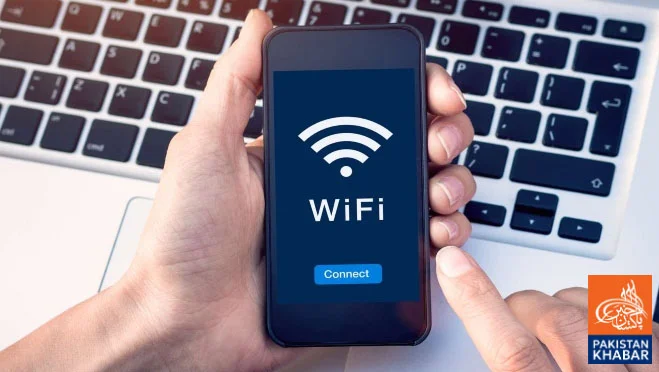
Lahore (Web Desk) If your Android phone’s internet has become slow and websites, videos, or apps are taking longer to load, a few simple steps can help improve your connection and overall performance.
Close Unnecessary Background Apps:
Apps running in the background continue to consume data and internet bandwidth, which can reduce browsing speed. Close unnecessary apps through your phone’s settings.
Clear Cache:
Accumulated cache files from apps and websites can affect your phone’s performance. Clearing the cache from the Storage section in your app settings may improve speed.
Keep Your Phone and Apps Updated:
The latest software updates and app versions not only improve performance but also optimize internet usage and stability.
Use a Faster Web Browser:
Modern browsers such as Google Chrome and Mozilla Firefox are designed for better speed and performance, making them a good choice for faster browsing.
Turn Airplane Mode On and Off:
Enabling Airplane Mode for a few seconds and then turning it off forces your phone to reconnect to the nearest and strongest mobile network, which may improve internet speed.
Restart Your Phone or Router:
Restarting your smartphone or Wi-Fi router can resolve temporary glitches and refresh your internet connection.
Stay Close to the Router:
If you are using Wi-Fi, staying closer to the router provides a stronger signal and a more stable, faster internet connection.
By following these simple tips, you can improve your Android phone’s internet speed and enhance its overall performance.